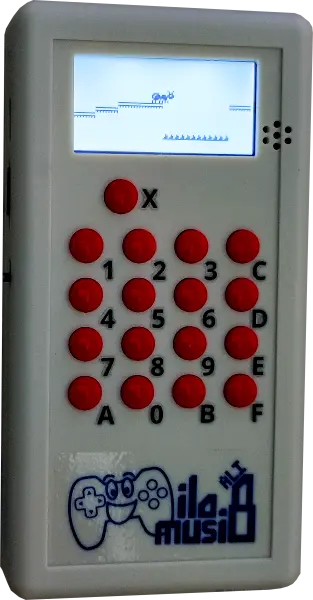

You can download game ROMs on this page.
The stock TF card comes with ilo musi 8 doesn't contain these extra ROMs because of its unclear licensing situation.
You can download the extra ROMs here: ilomusi8_extrarompack_v1.0_20261001.zip
Changelog:
This is the stock ROM pack that comes with the TF card of ilo musi 8. It gets updated from time to time so you might want to redownload it.
You can download the stock ROMs here: ilomusi8_rompack_v1.0_20261001.zip
Changelog:
You can download other CHIP-8 ROMs from the internet and play it on ilo musi 8. Make sure to rename the ROM so that it has the file extension of .CH8 (example: "XXXX.CH8")


Each ilo musi 8 unit comes with a TF card and a USB-TF card adapter.
You'd need to first put the game into the TF card (via the adapter if needed). If it's a .ZIP file, extract the games inside before putting them into the TF card.
After that, insert that TF card into ilo musi 8 and you can play there.
Developed with love by: Sadale
 ORDER